Marie Kondo is the one who taught us to thank our old socks before letting them go. We’re bringing that same energy to your Google Drive!
Give it a try! And don’t try to convince us you don’t need it.

Today we’re thrilled to introduce Digital Marie Kondo – a custom GPT that channels the calm, methodical spirit of everyone’s favorite tidying guru to help declutter your digital life. She even has her own proprietary method.

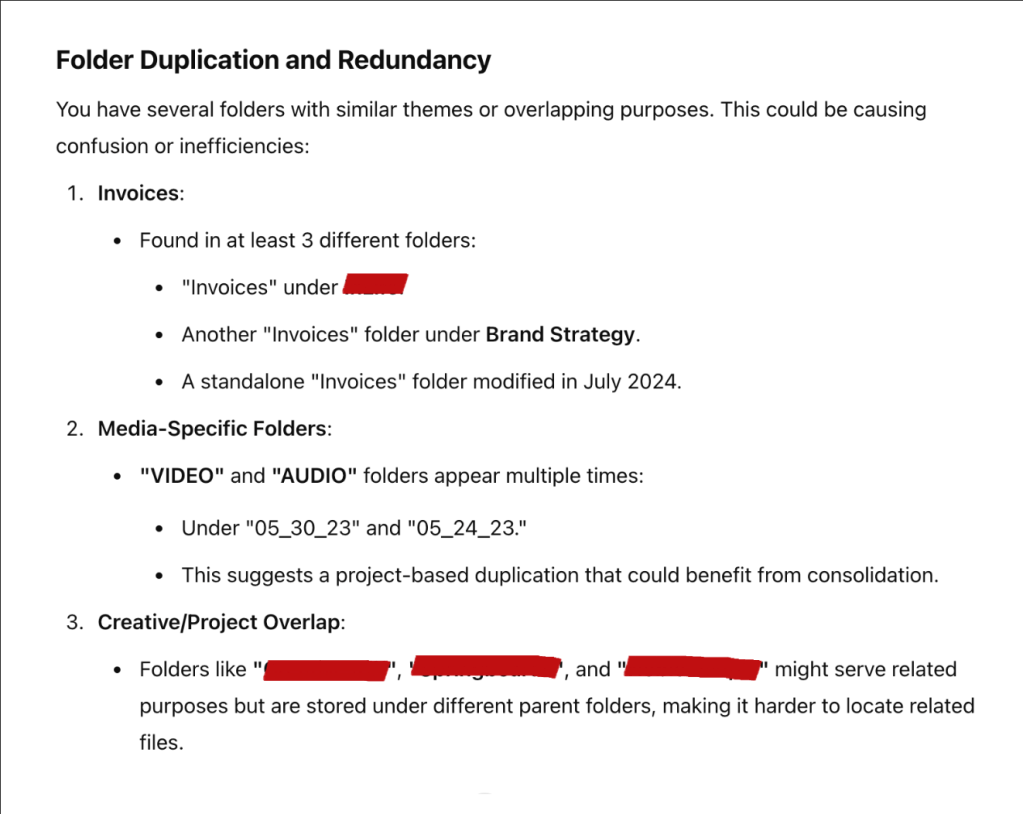
How many mystery “admin” or “photos” folders do you have floating around, untethered in your Google Drive?… six. The answer is six. Of each. We know that because we plugged the Google Drive API into this GPT.
(For the record, Jenny and Allister don’t get to see any of your stuff. It’s all between you and Google… and ChatGPT.)
She doesn’t just give you a boring list of recommendations. This is a full-on organizational makeover show, starring you and your messy Drive. Digital Marie walks you through each step, generating visualizations of your “before and after” digital spaces,
Quick Note on Access
Since this is running on Google’s OAuth system, we’re currently limited to 100 test users. We’ve already added all our lovely subscribers – if you want to try it out but need access, hit that subscribe button and we’ll add you as soon as we can!
How We Made It
TBH it was a nice change to be back in custom GPT world.
Getting any OAuth set up can be a bit cumbersome with Google can be pretty involved, but it’s your special data so probably for the best. It did feel like we had opened pandora’s box once we had set it up, as this GPT is now a template for setting up any other Google API.
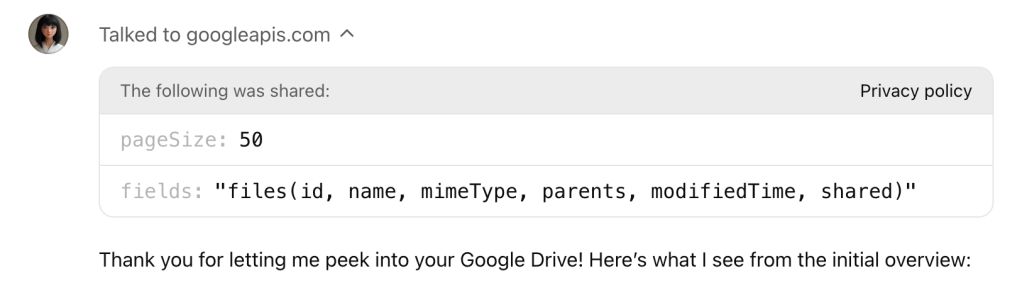
Here’s what the API call looks like within ChatGPT:
The team:
- OpenAI’s GPT-4o
- Google OAuth 2.0 for secure Drive access
- Google Drive API
- DALL-E 3 for generating before/after images
Subscribe to this blog to get your name on the list and try it out!
 LAB31
LAB31 
Leave a comment